
story
Turning My Photo of CJ Into a 1,000-Piece Puzzle
Melvin starts a new puzzle series by turning one of his own photos into a 1,000-piece jigsaw, then works through a surprisingly tough field of white pieces.
Load the YouTube player to watch here. YouTube receives technical information when its player loads. This does not enable this site's analytics or marketing tracking.
Watch on YouTube ↗I thought making a puzzle from one of my own photographs would be a fun way to connect my photography work with my videos. I ordered ten custom 1,000-piece puzzles, and this first build uses a photo I took of CJ. What I underestimated was how difficult an image with so much plain white space would become.
Bringing my photography audience into a new series
A previous puzzle video had received enough interest that I wanted to make another. Rather than choosing ten unrelated designs, I used photographs from my own work. Some viewers knew me from photography before I started putting more time into video, so this gave both audiences something familiar to follow.
I chose Shutterfly after comparing prices and options. As I explain in the video, this was not a sponsored project. The plan was to complete the first puzzle and let viewers help choose which of the remaining images I should tackle next.
Sorting color from a lot of white
I started with extra trays to keep the pieces organized. Pieces with color went together, while the plain white pieces filled a separate tray. Looking at that second pile made it clear that this would take some patience.
The white areas offered very little visual reference. Instead of matching a piece to an obvious part of the photograph, I had to look for distinctive shapes, find where they fitted, and build small sections around them. Progress was much slower than I expected.
Several sessions—and a recording problem
The first session also brought a camera problem: part of the early sorting never made it into the time lapse. I stopped to check the camera, explained the missing footage, and continued the build.
I returned the next day hoping to finish, but the white sections kept slowing me down. By the third session, after taking Sunday off, I was still picking out unusual shapes and working through them piece by piece. The video follows that gradual progress through to the final pieces.
Once it was finished, I showed the image from an overhead camera. The pieces fitted loosely enough that I could not shift the completed puzzle much without disturbing it. It was satisfying to finally see the photograph assembled—and I was ready for a different challenge from the remaining nine designs.
Which image would you choose next? Watch the completed build and the options at the end of the video, or browse my other videos.
Watch the original video on YouTube ↗
All About The Life
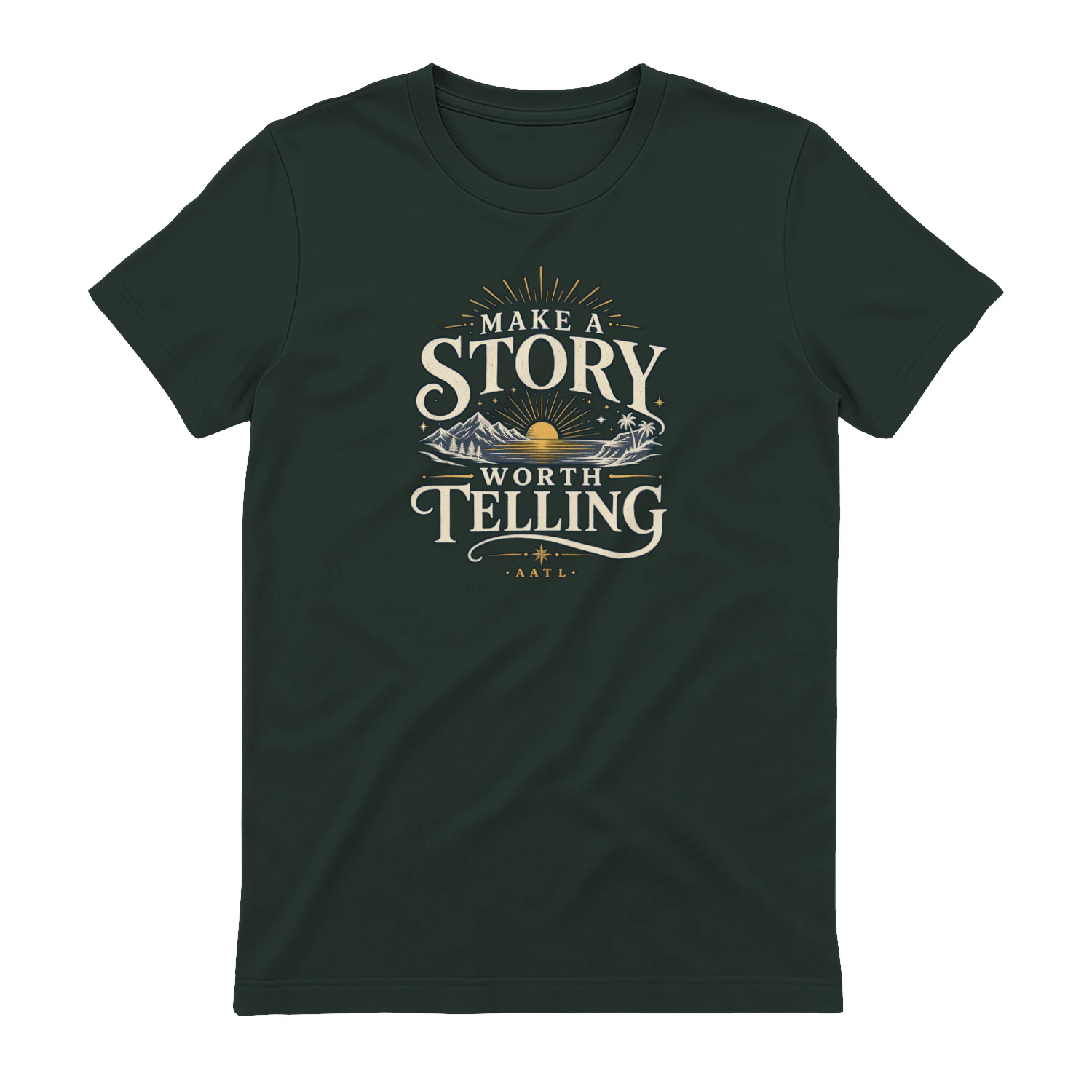
Make A Story Worth Telling
A scenic vintage-inspired design that encourages you to “Make A Story Worth Telling.” Mountains, water, sunset, and tropical details give it an adventurous feel that’s perfect for travelers, explorers, and anyone who wants a life filled with moments worth remembering.